Work — Passport Size Photo Maker
Passport Size Photo Maker
Your own photo, an exact physical size, a printable sheet.
A passport photo counter wants 35 × 45 mm. A visa form wants 2 × 2 inch. This app takes one photo you already have and turns it into exactly that size — cropped on the export frame, background cleaned up on the device, one border, then a sheet of copies laid out at real pixel size and ready to print.
The short version
One photo in, a sheet out.
Passport Size Photo Maker is not on Google Play yet. Everything on this page comes from the app itself.
- Platform
- Android 8.0 and newer
- Category
- Photography
- Account
- None — there is no sign-in
- Your photo
- Stays on the phone
- Sizes
- Presets in mm and inch, or custom
- Status
- Coming soon
What it does
Six steps, none of them a studio.
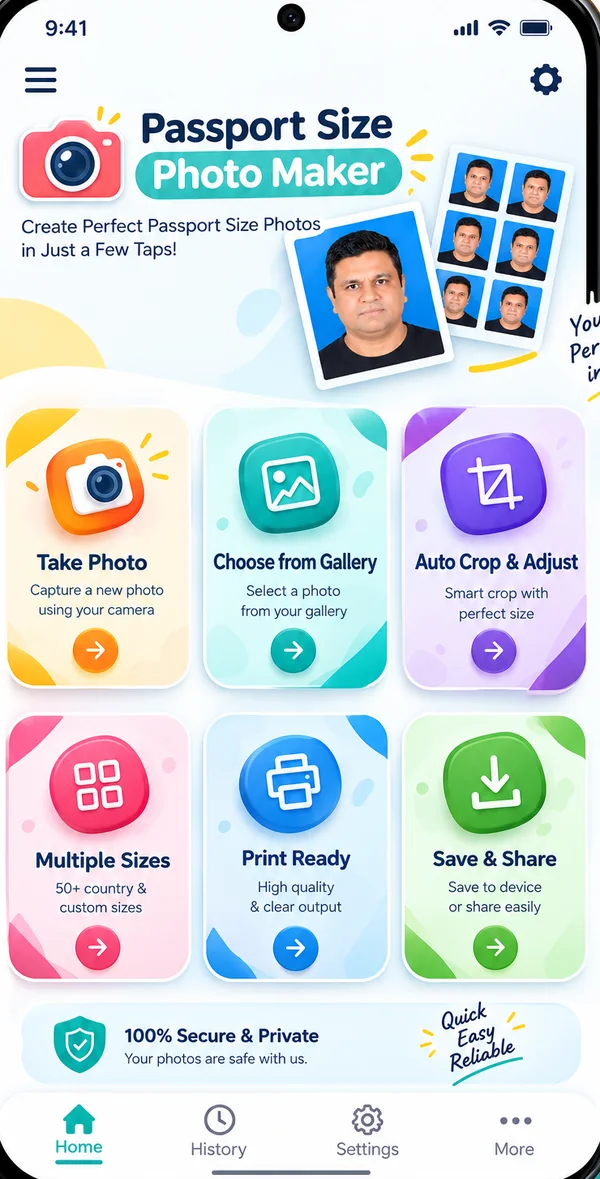
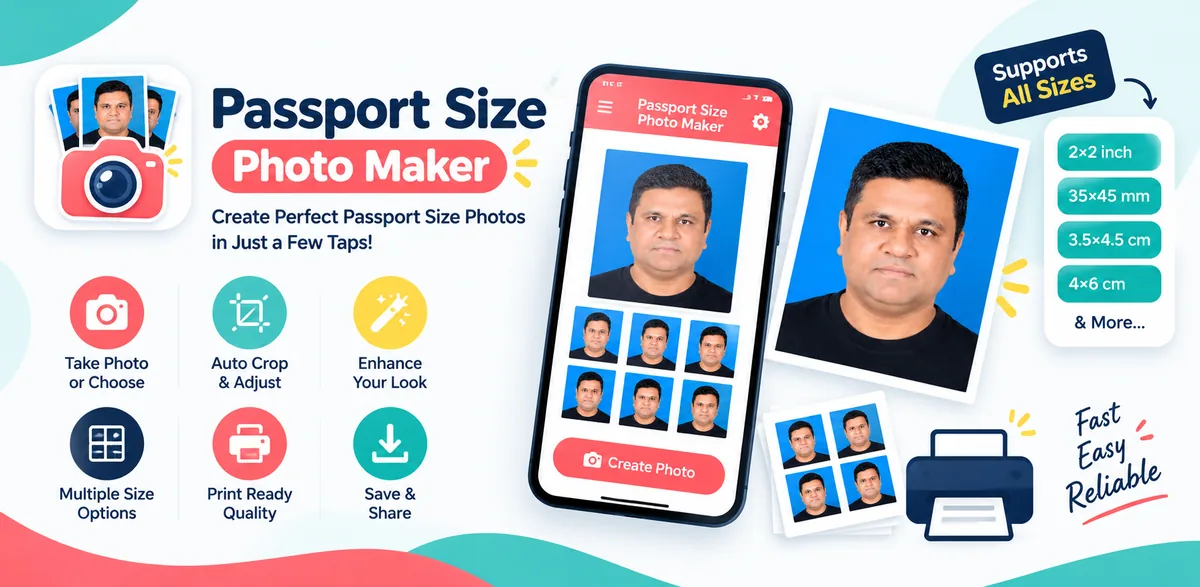
The editor shows all six steps at once — Crop, Background and Border on top, Size, Sheet and Export below.
Start from a photo you have
- Take a fresh one with the camera, with a front/back swap button beside the shutter
- Or pick an existing JPEG, PNG or HEIC from the system photo picker
- EXIF orientation is applied, so a sideways photo arrives the right way up
- The photo is decoded at a memory-safe size, and an unreadable file, a refused permission or a very large image all get a readable message instead of a crash
Crop on the export frame
- Drag to move, pinch to zoom, rotate in 90° steps and straighten up to ±15°
- The frame always shows the export aspect, so what you see is what gets saved
- Face guides and centre on face help you place the head where the preset expects it
- Face detection only guides — the app never retouches the face itself
The size is exact, not approximate
- Presets for standard passport and ID photos, Indian exam and visa photos, and visas
- Or type your own width × height in mm or inch
- Every preset carries its physical size, unit, target DPI, face guide, background hint and the output pixels it implies
- 35 × 45 mm at 300 DPI is derived as 413 × 531 px — the figure comes from the size, it is not typed in
Background, cleanly replaced
- Keep the original, or replace it with a flat colour using person segmentation that runs on the device
- Cut-out strength and edge softness are yours to set, with a one-tap restore
- Your own pixels are copied through untouched — only the background is rebuilt
- The segmentation model ships inside the app, so this works in flight mode
Exactly one border
- 1, 2 or 3 output pixels thick, black by default, with a colour picker
- It is written into the pixel buffer as four perimeter bands, not a stroked path
- So a 1 px border stays exactly 1 px, with no anti-aliased grey fringe to be rejected at the counter
- It is drawn last — nothing else in the app can cover it
A sheet you can cut
- 4 × 6, 5 × 7 and 6 × 8 inch sheets landscape, or A4 and Letter portrait
- Defaults of a 1.5 mm margin and a 3 mm gap between copies — that gap is what is left for the scissors
- A landscape 4 × 6 holds 8 copies of a 413 × 531 photo, counted on screen as you change it
- Copies sit at their real pixel size, never stretched, and the sheet saves as an image or a PDF, or prints straight from the app
Where your photo goes
Nowhere. It stays on the phone.
Decoding, cropping, face detection, background segmentation, the border, the sheet and the export all run on the device. There is no account, no server, no upload and no cloud backup, and the picture you load is never sent anywhere.
The face-detection and segmentation models are bundled inside the app rather than downloaded on first use. That means no model download step, no API key and no backend project behind this app — and both features keep working in flight mode.
Exports are JPEG at quality 96 or lossless PNG, written at the exact preset pixel size into Pictures/Passport Size Photo Maker, or wherever you choose through the system file picker.
One banner ad (Google AdMob) sits above the bottom navigation and disappears on the camera and the editor — a banner under a shutter button is an accidental-tap machine. It is the only reason the app asks for internet at all: the ads SDK merges that permission in, and the ads code only ever builds a banner view, never a photo.
Under Settings → storage the app will clear its temporary files and delete the photos it imported.
Recent projects remember the preset, crop, DPI, border and background settings with a thumbnail — never a second full-resolution copy.Built with
- Kotlin
- Jetpack Compose
- Material 3
- CameraX
- Android Photo Picker
- ML Kit face detection
- ML Kit selfie segmentation
- DataStore
- ExifInterface
- Coroutines
- MVVM
- Android 8.0+
The project carries 59 unit tests, covering the size maths that the rest of the app depends on.
Not on Google Play yet
Passport photos without the studio trip?
Tell me the size your form asks for and the phone you carry, and I will show you what the app would do with it.